For designers and researchers in fluorescence microscopy, SearchLight has long been the industry-standard modeling tool for visualizing and calculating the performance of optical systems. This free, cloud-based platform allows you to plot the spectral data of filters, fluorophores, light sources, and detectors to ensure every component in your microscope works in harmony.
However, innovation doesn’t keep office hours. Whether you’re troubleshooting a system at midnight or optimizing a multi-channel experiment across different time zones, you need data-driven confidence to move your project forward.
To bridge the gap between theoretical concepts and functional prototypes, we’ve introduced two major updates to SearchLight: a smarter Product Search and the Automatic System Calculator tool. Together, they act as a 24/7 resource, allowing you to model, search, and optimize optical systems the moment inspiration strikes.
Find the Right Match with Advanced Product Search
Finding the perfect filter shouldn’t feel like a needle-in-a-haystack search. Our new Product Search tool uses a sophisticated algorithm to identify catalog filters based on their performance, not just their part number.
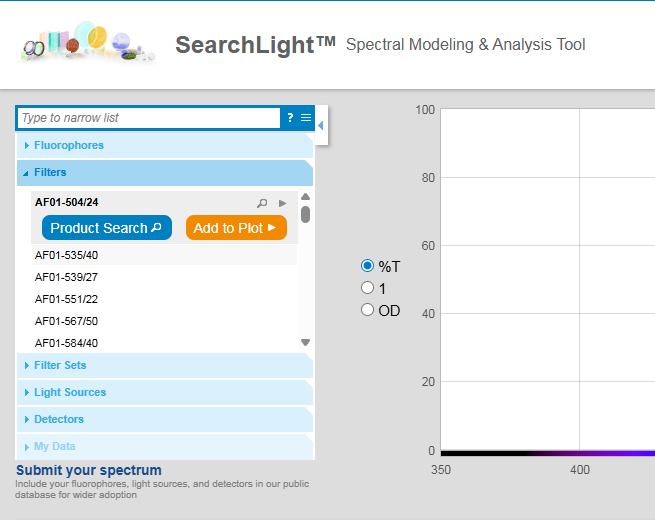
- Performance-Based Discovery: Search for filters by their rising or falling edges. Tell the tool exactly where your transmission needs to be, and it will shortlist the best matches from our database instantly.
- Light Source Compatibility: Upload your spectrum, and SearchLight will find the appropriate filter for your light source within our catalog offering.
- Theoretical Benchmarking: Have a "dream filter" in mind? Import your own theoretical data to see how closely our catalog products match your requirements, moving you from concept to prototype in seconds.
- Immediate Availability: Shortlist your results by Quick Ship status to ensure your project stays on schedule with filters that can be delivered in 1–3 days.
Eliminate Manual Churn with Automatic System Calculator

When designing for multi-fluorophore systems, calculating the performance of every possible combination of filters, light sources, and detectors is a notorious bottleneck. Our updated System Calculator now automates this manual churn.
- Automated Batch Configuration: Select multiple components and let the tool automatically generate every possible system configuration—turning dozens of manual clicks into a single, comprehensive table.
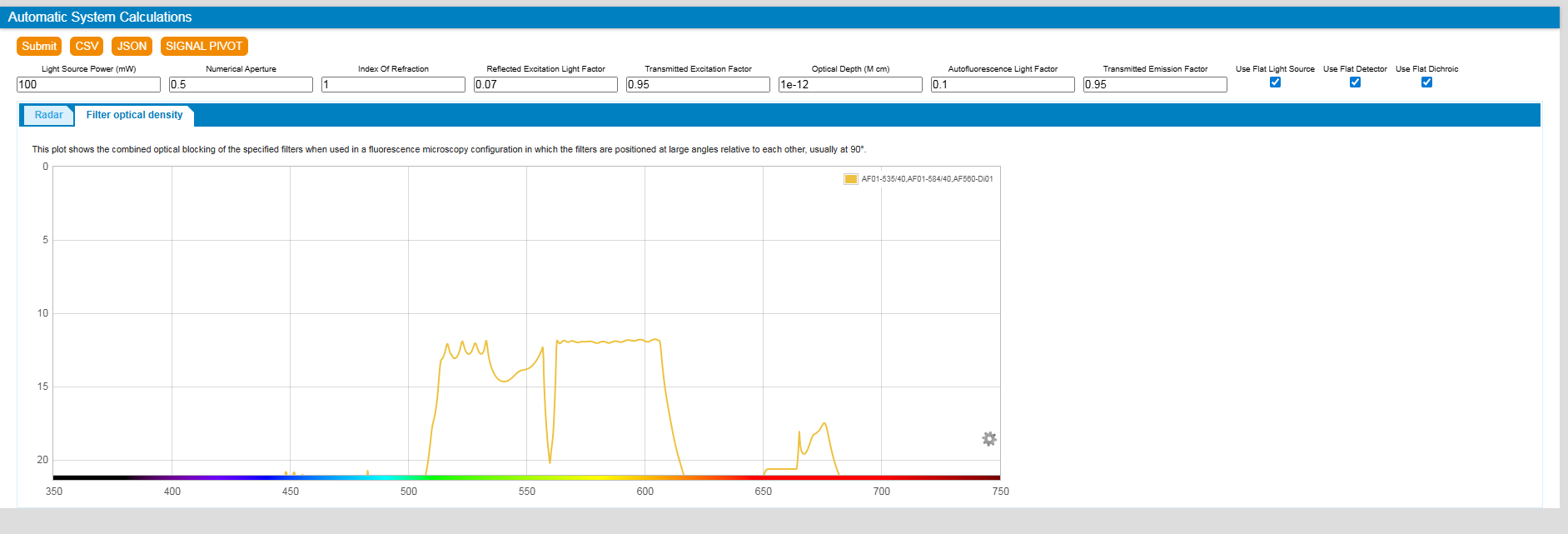
- Multiple Views: First tab (Radar) displays the possible component combinations. Second tab (Filter Optical Density) displays the combined OD blocking for the filter sets.
- Isolate Your Signal: Instantly evaluate signal-to-noise ratios (SNR) and identify potential crosstalk. This ensures your filter sets are measuring only the intended fluorescence, minimizing interference before you purchase hardware.
- Exportable Insights: Export your full comparison table into a tabulated format (CSV) to share with your team or integrate into your internal design documentation.
Quick Tutorial: How to Use New Features
How to Use Product Search
- Open the Panel: Click the Product Search button within the search panel at searchlight.idex-hs.com.
- Define Your Edges: The tool suggests initial rising or falling edges based on your current plot. You can add or remove these to match your specific spectral requirements.
- Adjust the Range: Use the percentile slider to broaden or narrow the results based on how much deviation your system can tolerate.
- Preview Results: Hover over any filter in the results list to see a real-time spectral overlay on your plot for an immediate visual comparison.
How to Use the Automatic System Calculator
- Configure your setup: In the top right menu, select at least
- 1 exciter
- 1 emitter
- 1 fluorophore
- 1 light source
- 1 detector
If you don't have a light source or detector, the system will use default options. For individual filters, you can assign a role by selecting their icon and click "Edit."
- Adjust advanced inputs as necessary depending on your use case.
- Click submit to start the Automatic System Calculator. The tool will display:
- A Radar View (the top 5 systems based on your settings)
- A Results table (full list of all combinations)
- Hover over the radar chart to see detailed results
- Export data: Supported formats are CSV and JSON for further analysis or reporting.
- Click the buttons below to try different pre-set spectral modeling simulations.
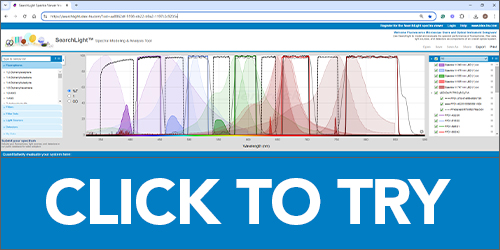 | 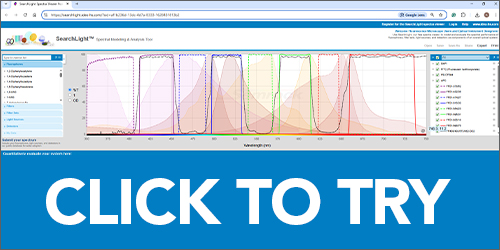 |
| SearchLight model of a Semrock pentaband filter set with five fluorophores and the Lumencor Spectra III Light Engine® | Semrock model of quad-fluor (DAPI-FITC-PE-APC) microscope with pentaband dichroic |
Explore SearchLight Here